
The studio, in one tool.
Members, memberships, schedule, check-in and invoices. The desk no longer copies from one screen to another.
- Person
- Membership
- Class
- Check-in
- Invoice
- Payment
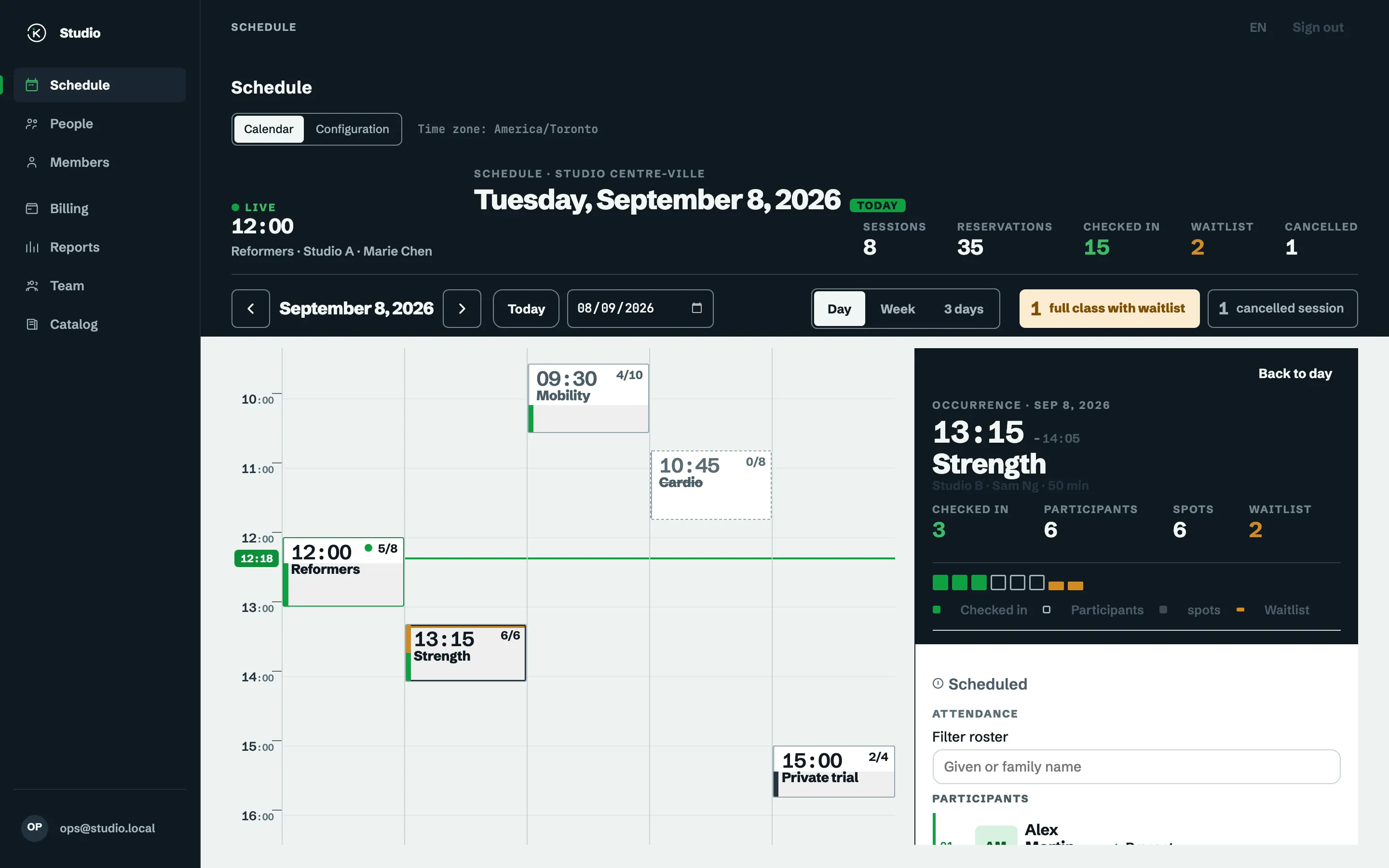

The class, the place and the person.
The booking reads the membership. If the room has a layout, it also reads the bike or the reformer.
The counter, beside memberships.
Catalogue, variants, stock, suppliers, purchase orders, checkout, coupons, gift cards and refunds. Included. Keeviv commission is 0%. Applicable Stripe processing fees remain with the studio. Hardware is requested in Canada. Stripe hardware prices, in Canadian dollars, are on the Commerce page.
Staff, on the same roster.
Roles and permissions. Who sees which class. Check-in, for authorized staff, in the same application as the member. The app stores are not advertised.
Keeviv Intelligence
Your studio, one step ahead. The assistant explains a report, summarizes a record and prepares a draft. The draft is not sent. It does not decide for the studio, and it is not turned on for every studio.
Summarize this week’s registrations.
Illustrated example
12 new records. 8 memberships, 4 trials. Fictional data.
Signup, on the studio’s page.
Keeviv Sites is included: pages, sections, studio branding, registration and publishing. A custom domain is purchased separately.
Eleven doors, one record.
And on the wrist.
Keeviv is the platform. Keeviv Active is the companion on the wrist: Apple Watch, Wear OS and Garmin. It does not replace this record, and the stores are not advertised.